Karta GPS is all about navigation, as such, we tried to make it as intuitive as possible.
To start a new route, tap on the navigation button  when you're viewing the Details of a place, address or person to make it your destination.
A Route overview screen will appear before the actual driving/walking, where you can do some final adjustments:
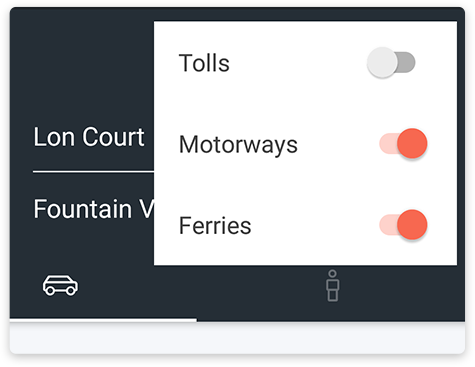
Tolls, Highways or Ferries
Tap on the Dots icon  on the top right if you want to enable/disable tolls, highways or ferries on your route suggestion.
Car or Pedestrian Mode
You can switch from driving  to pedestrian
  mode just by tapping on the corresponding icon. This will adjust your route and time of arrival.
Route Alternatives
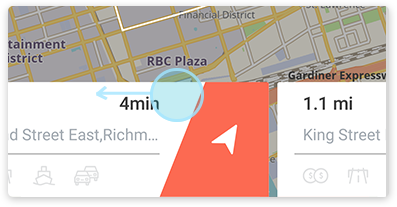
Karta GPS will give you up to 3 route alternatives. You can swipe left on the Route Detail Card on the bottom of the screen to chose a different route.
Roadbook and Simulation
If you tap on or swipe up the Route Detail Card you’ll open the Roadbook of the trip. Here is a step by step route log of each maneuver during the trip. Tapping any maneuver will open a Route Simulation screen where you can view that specific maneuver on the map.
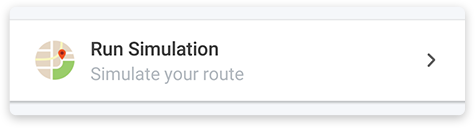
You can also tap Run Simulation for a video preview of the trip, step-by-step on your own rhythm. It’s a great feature if you need to plan a trip in advance, or just to be sure of a particular maneuver.
Comments
0 comments
Article is closed for comments.