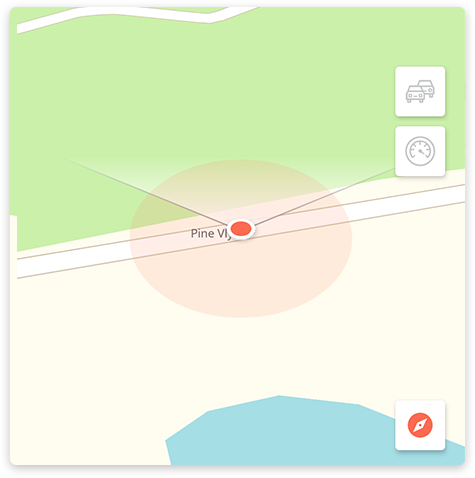
The  icon shows that the map is currently centered on your current location, with a valid GPS signal. You can drag the map to explore what's around you and by tapping on the icon, the map will be recentered on your current position.
You can also pinpoint a specific location on the map: to do that, just tap and hold the map for 2 seconds to drop a pin. You can then save it as a favorite, navigate towards it or check the nearby places around it, just like on any other location.
Another cool feature is the compass mode, especially handy if you find yourself in the middle of a new city, trying to relate your surroundings with the map. Press the  icon to turn on the compass and you'll be ready to start exploring around, without losing your orientation.
Comments
0 comments
Article is closed for comments.