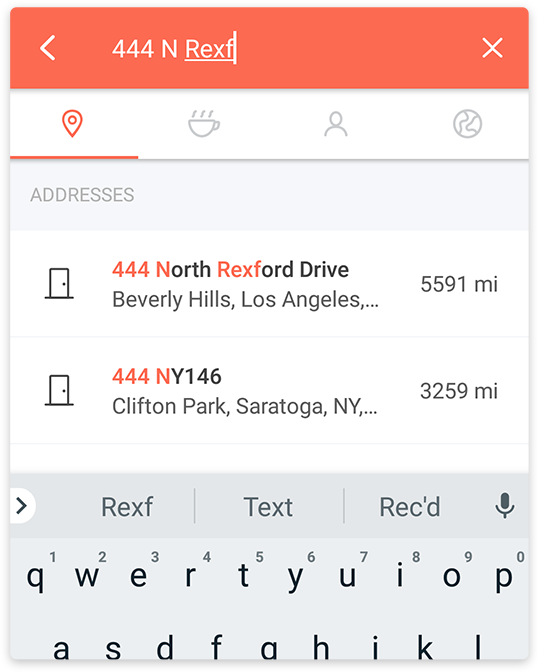
The search on Karta GPS works as any other search engine: the more address information you input, like door number and city name, better are the chances of finding what you’re looking for.
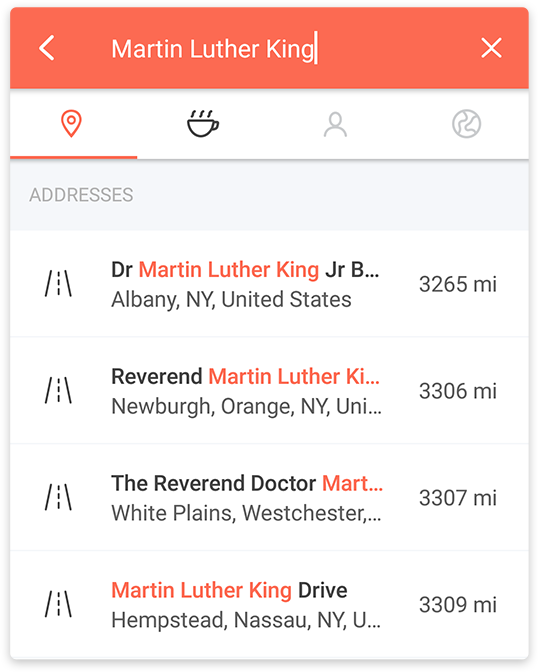
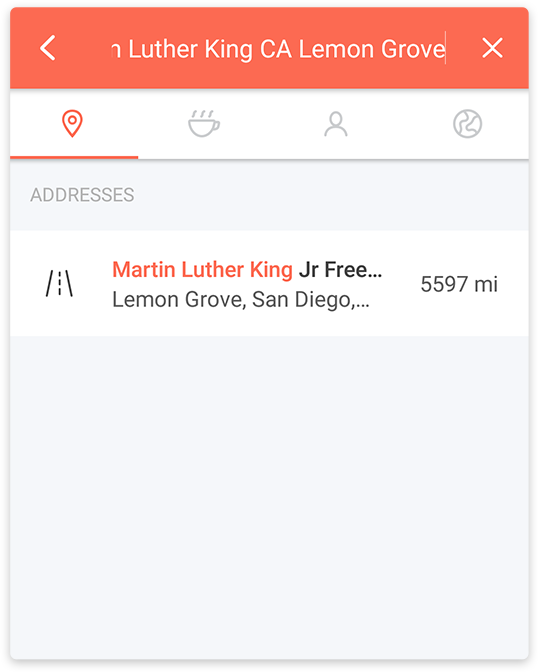
For example, if you make a basic address search for “Martin Luther King” you’ll get back several results since it’s a common street name. You can optimize the search by adding additional information, as in the example below:
Search by coordinates
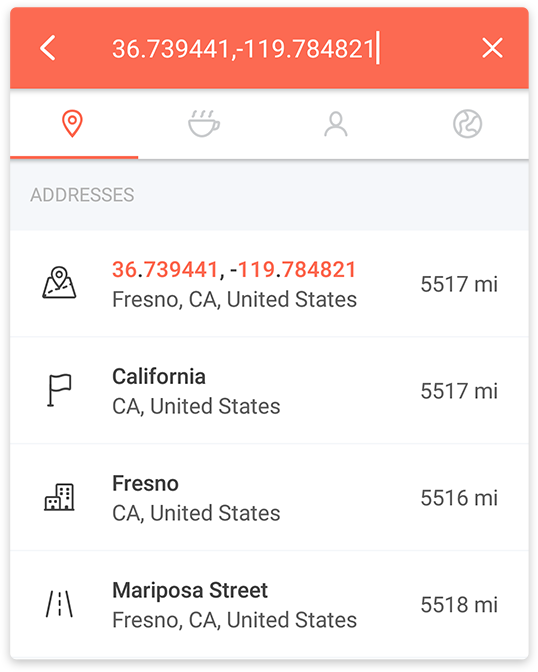
If you’re searching for a place via coordinates, just write them on the search bar separated by a comma like on the example below:
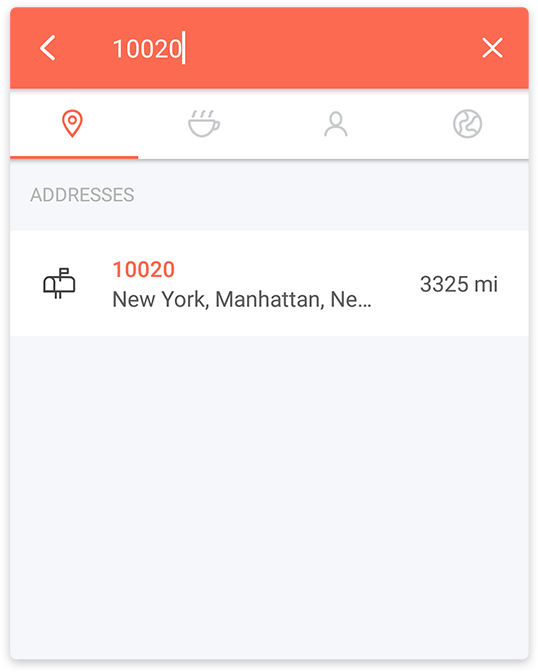
Search by Postal Code
In some countries this type of search is essential and naturally, Karta GPS supports it; just type the postal code in the search bar.
Search by Category / Place
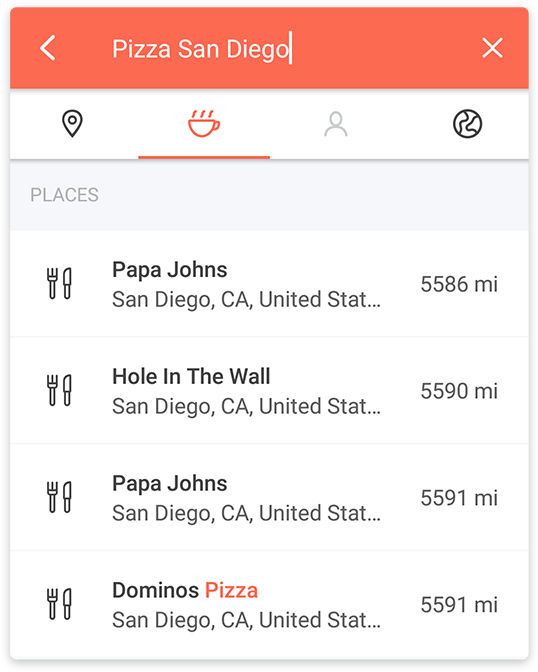
Karta GPS allows you to search by category. For example, if you are looking for a pizza place, you can simply type pizza. You can also add more information in case you want your search to focus on a specific location, like in the example below.
Comments
0 comments
Article is closed for comments.