Whenever you search for an address on Karta GPS, you can check for existing crossing streets. To do so just:
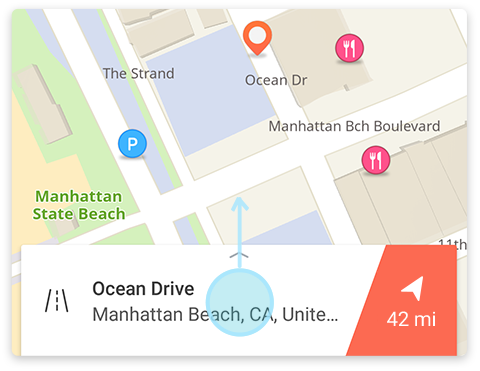
- type an address or street name
- Tap or swipe up the details card at the bottom of the screen
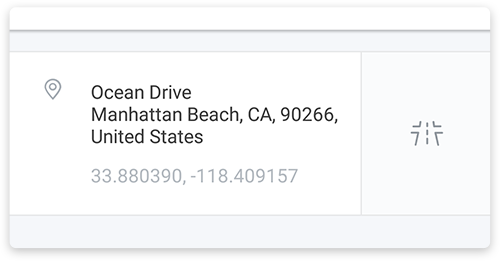
- Tap on the
 icon
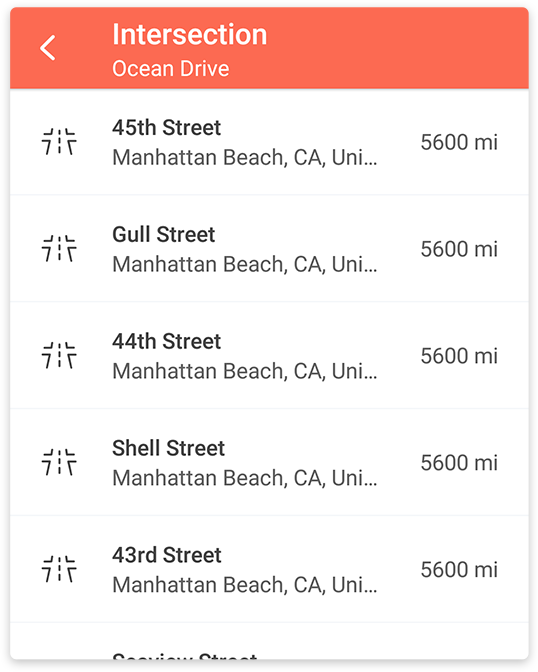
icon - Choose from a list of existing intersections, to which you can navigate to, or check for nearby places, just like in any other location on Karta GPS.
Note: this feature is only available for address search.
Comments
0 comments
Article is closed for comments.